


View on AR

View in 3D








How product teams replace physical prototypes with AR

Quick simulations
Shorten the feedback loop
Remote Collaboration

Communicate Complex Designs with Ease
Got a design that’s tough to explain? Use JigSpace to turn technical 3D files into simple, visual stories. Animate key parts, highlight functions, and make your ideas easy to understand and memorable.
Sign up today!
CAD file compatability
Import files created in SolidWorks®, Fusion 360™️, Inventor️, Creo, Blender, Shapr3d, and more.

Animations and effects
View your designs, at-scale, and in a real world setting.

Simplify complex products
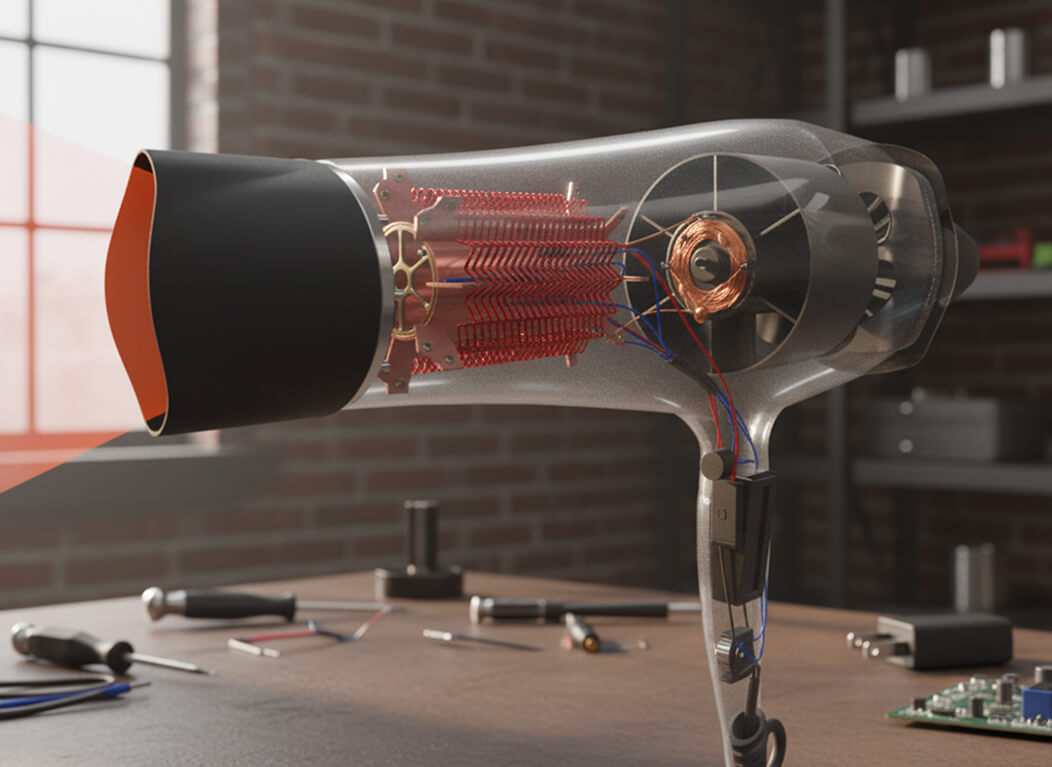
Unpack your designs and guide teams through your products, inside, outside, and all the way around.

A new way to prototype
Traditional prototyping slows you down. JigSpace flips the script:Spot design flaws before they’re costlyCut down on physical wasteTest how things really work in contextHelp teams and clients make decisions quickerIt's smarter prototyping that saves time and resources, and just works better.
Learn more
Streamline Collaboration
Skip the massive files and endless email threads. With JigSpace:Your team gets instant accessYou control who sees whatYour projects stay organized in the cloudThat means fewer blockers and smoother reviews.
Learn moreDiscover more ways to use Augmented Reality for product development

Marketing
Learn more
Design and prototype
Learn more
Training
Learn more
Engineering
Learn more
Sales
Learn more


Bring spatial computing to your business
Talk to us 1 on 1 guided tour with a JigSpace expert
- Personalized to your business
- Choose a time and date that suits you