

New Training Features
Interactive 3D training your LMS can actually track
Quiz
SCORM
Immersive
LMS
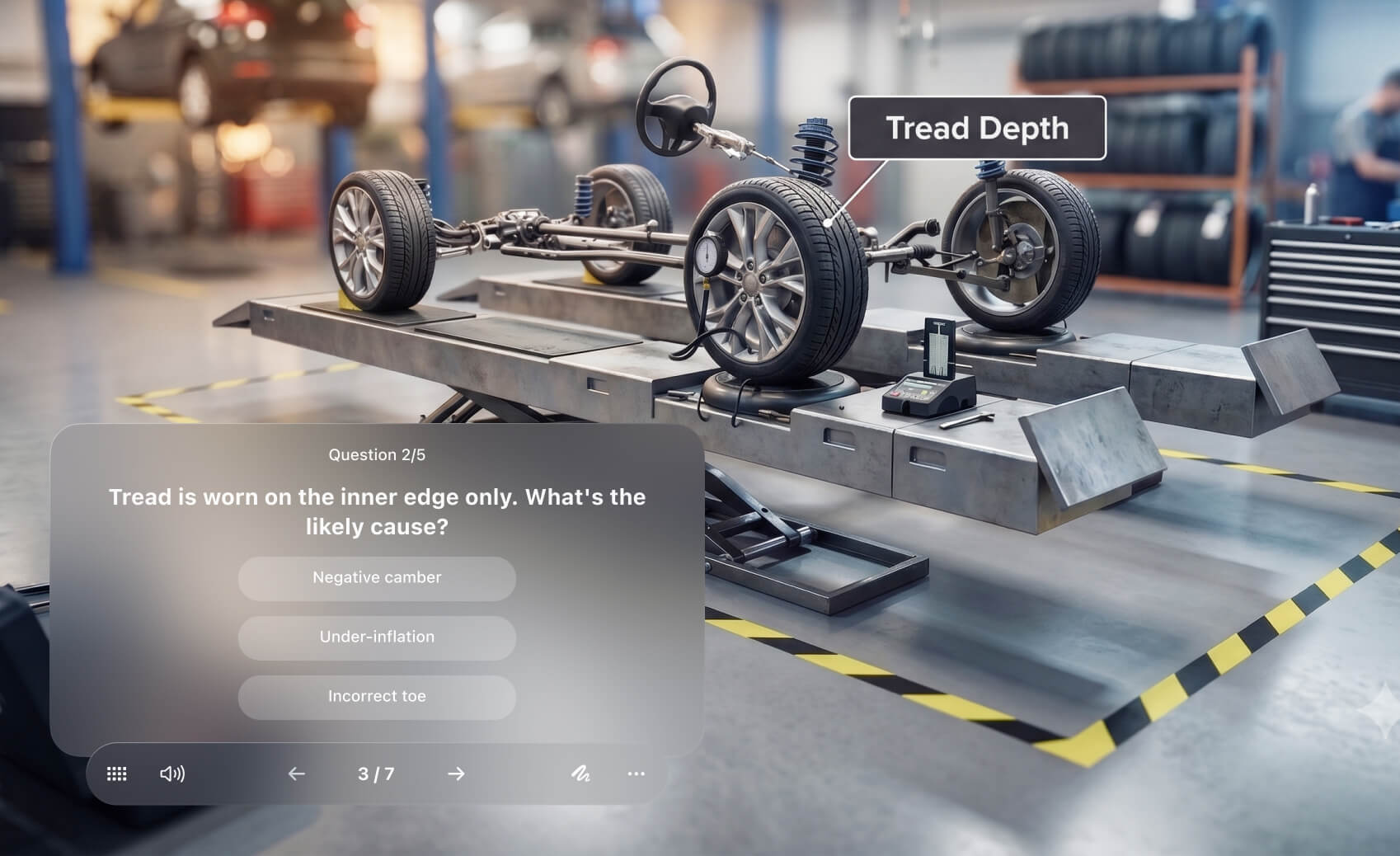
Watching isn't learning
Most technical training is a slide deck or a video. People sit through it, click "complete," and no one can tell what knowledge was retained. Physical lessons, like service procedures, a safety checks, or device operations need active and engaging content with real time branching and assessment.

Active
Learners do instead of just watching. Ask them to make the call they'll have to make on the job.

Get proof
Completion isn't competence. You can see who finished, not who understood.

Multiple devices
Engaging 3D content that can reach learners in any location or device.
From Jig to tracked lesson in three steps
No custom integration, no new tool to learn. Start with a Jig you already have.
Start with a Jig
Any Jig works. Bring your CAD file or build from your 3D Object library — the lesson is the Jig you already made.
Add the questions
Ask about a step, or have the learner click the real part in the 3D scene. JigSpark drafts the first version for you.

Send it to your LMS
Export a SCORM package or embed the lesson directly. Scores and completion report back automatically.
Live demo
Adapt your questions to your 3D content
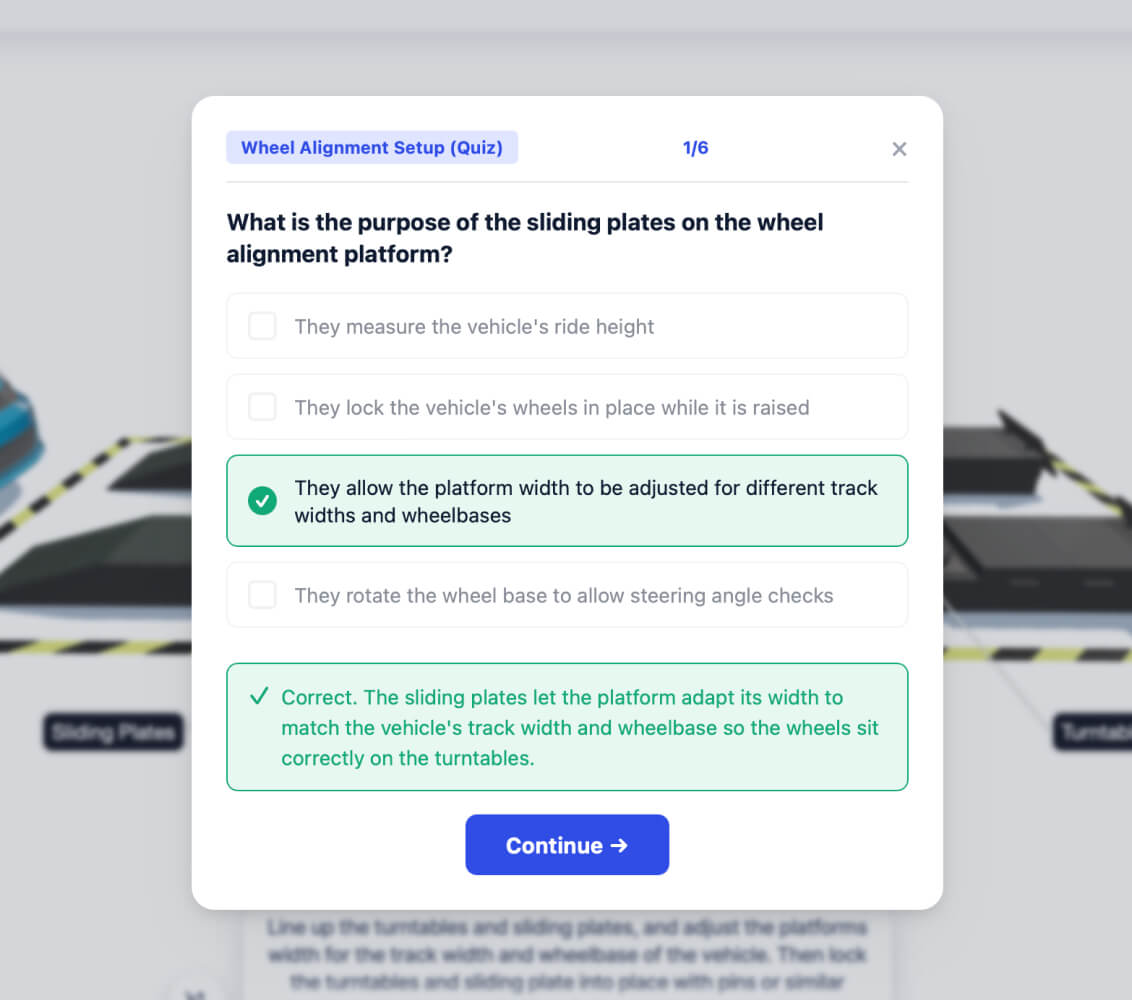
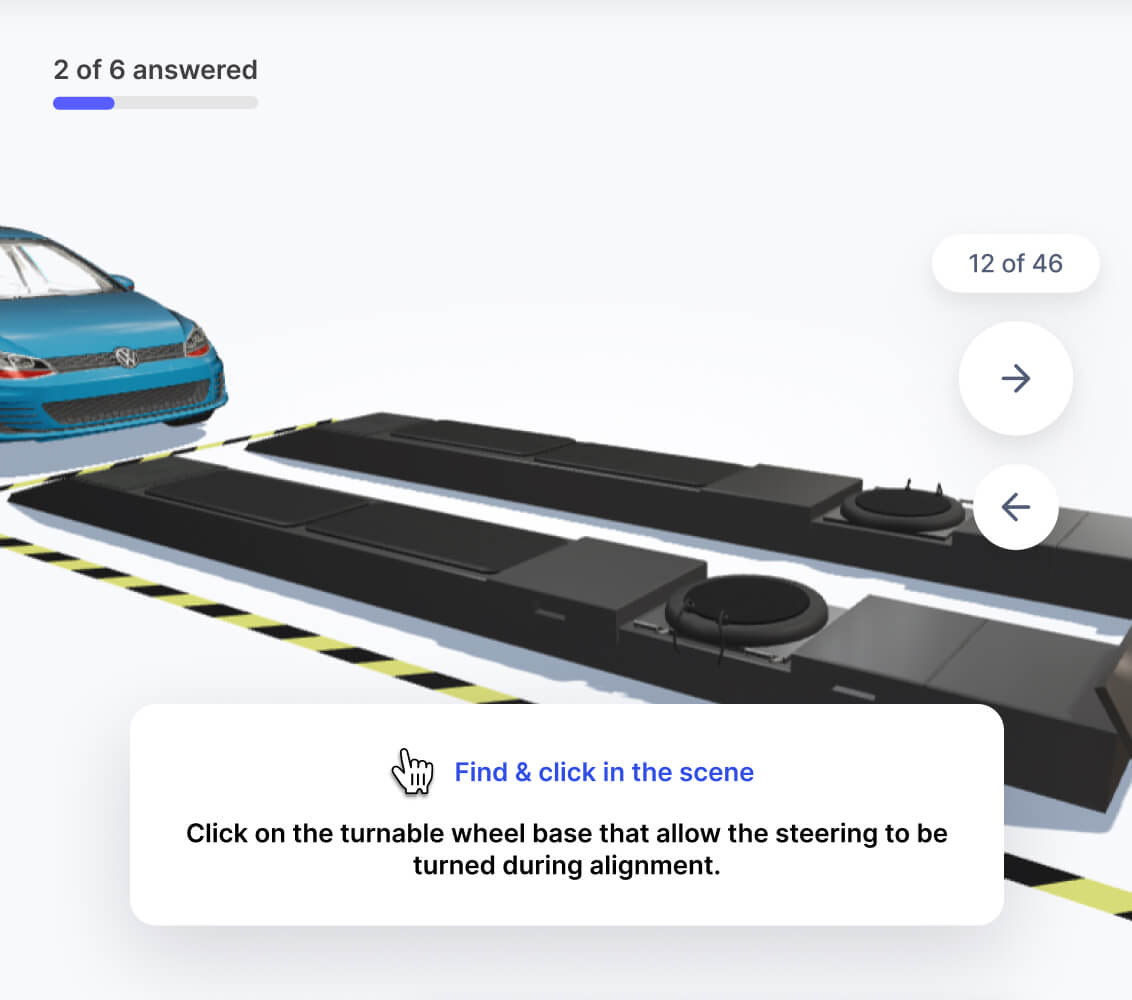
Questions appear as the learner moves through the steps. They can manipulate 3D models, follow immersive procedures, and answer in context - instead of asking a quiz later.

A question appears the moment the learner reaches its step.
A correct answer moves the lesson forward automatically.
Meaningful assessment
While multiple choice questions are good for revision, "Action" questions test how learners will interact with realistic 3D simulations.
Decoys are declared so learners can still explore freely
Set pass marks per question, feedback, and branching options
Use branching to fail safely
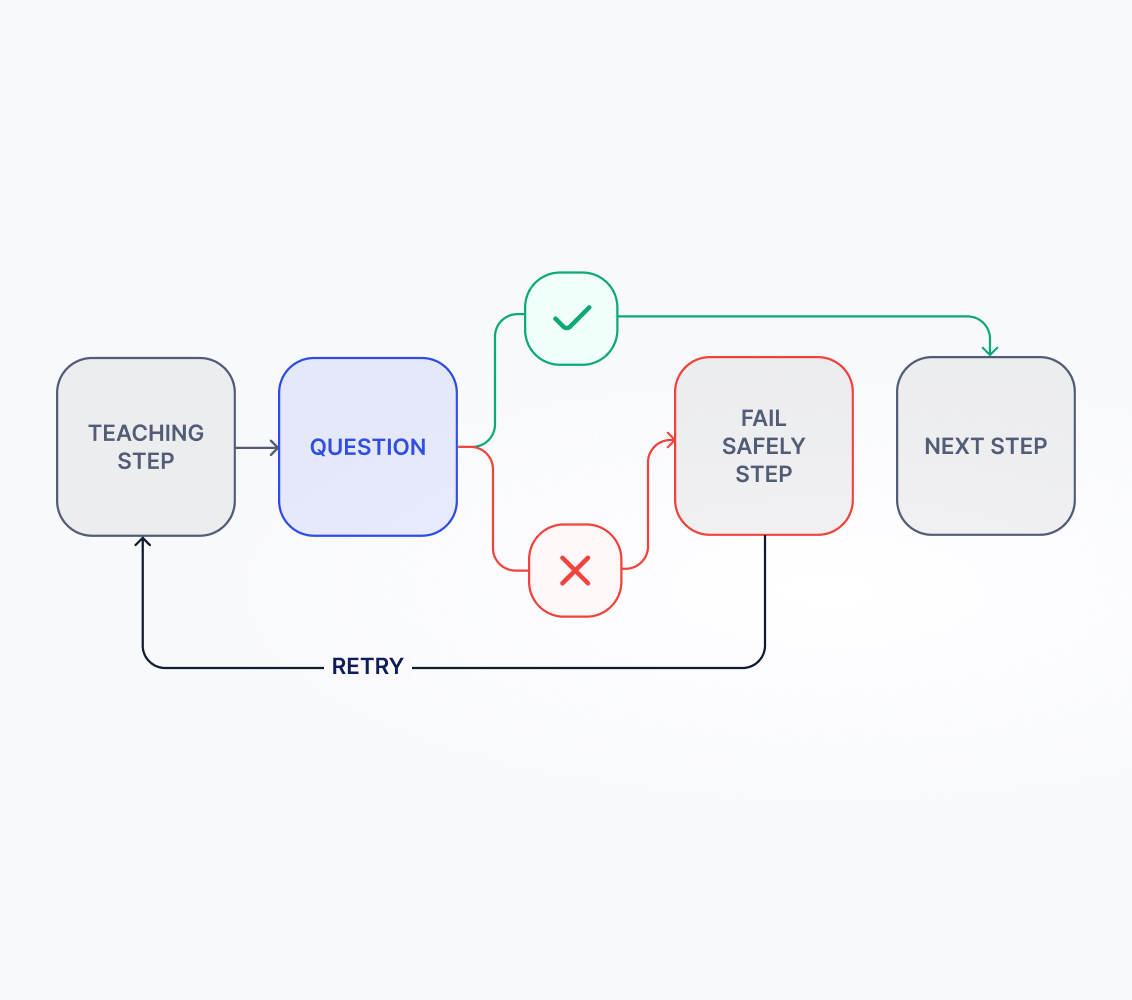
Correct answers can continue ahead, while wrong ones can branch off to play out scenarios before providing feedback and going back to the main lesson.
Fail safely and demonstrate outcomes of incorrect responses
Custom checkpoints determine when to provide feedback
Remediate misses by looping back to exactly the right step
Drops straight into your LMS
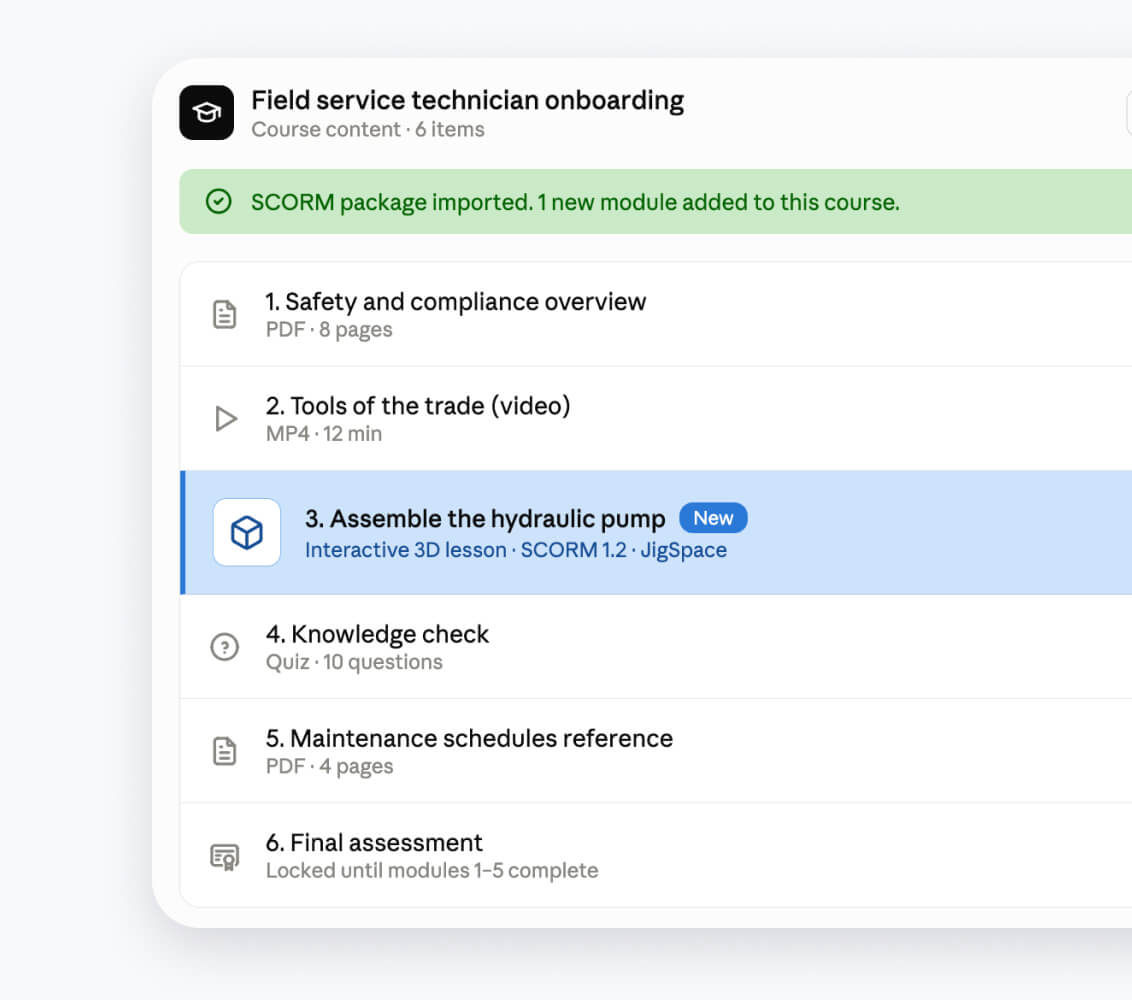
Export SCORM 1.2 or SCORM 2004 packages for any Jig, or embed the lesson directly in your LMS using iframes. Report on scores, completion rates, and engagement time per learner directly in your LMS.
SCORM export: one package per Jig, with or without a quiz
Upload to LMS: upload SCORM package or embed using iframe
Works on the device they've got
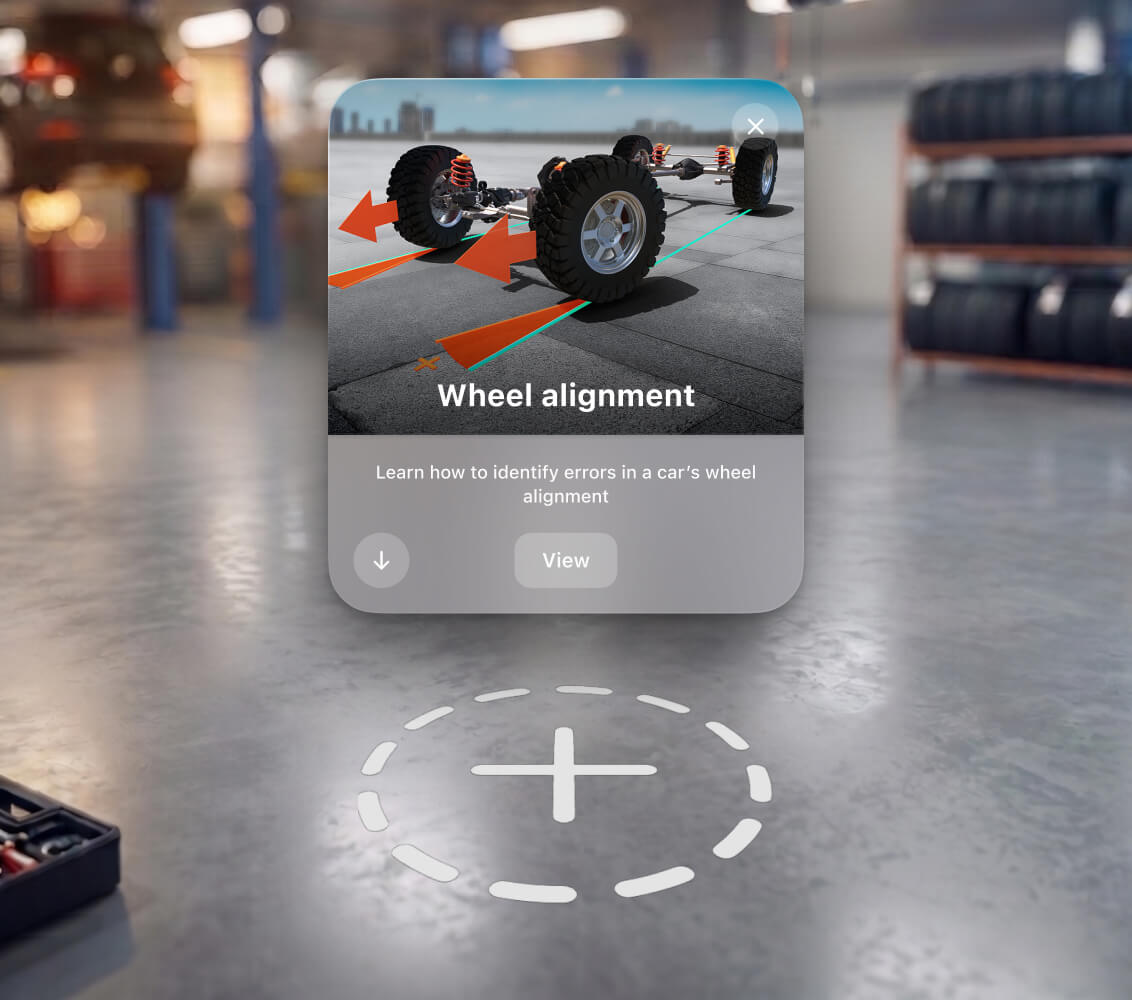
Launching in web browser for instant LMS compatablity, you will also be able to view later in apps on iPad or Apple Vision Pro. Pair a headset to the signed in LMS session, so a lesson followed in augmented reality or immersive space is recorded in one place.
Learn on Apple Vision Pro, record via SCORM in LMS (Q4 2026)
Create one lesson, publish to every screen
Reporting and the small things, handled

Measure progress
Per-learner scores, per-question difficulty, and how long learners spend on each step.

Fast drafts with AI
Never start from a blank quiz. Jig Spark AI drafts grounded questions you review and publish.

Retakes, done right
On a retake, only the missed questions come back. The ones they nailed stay done.

Names & consent
Ask for a learner name and record consent when you need it, right on the welcome screen.
Skip the blank quiz
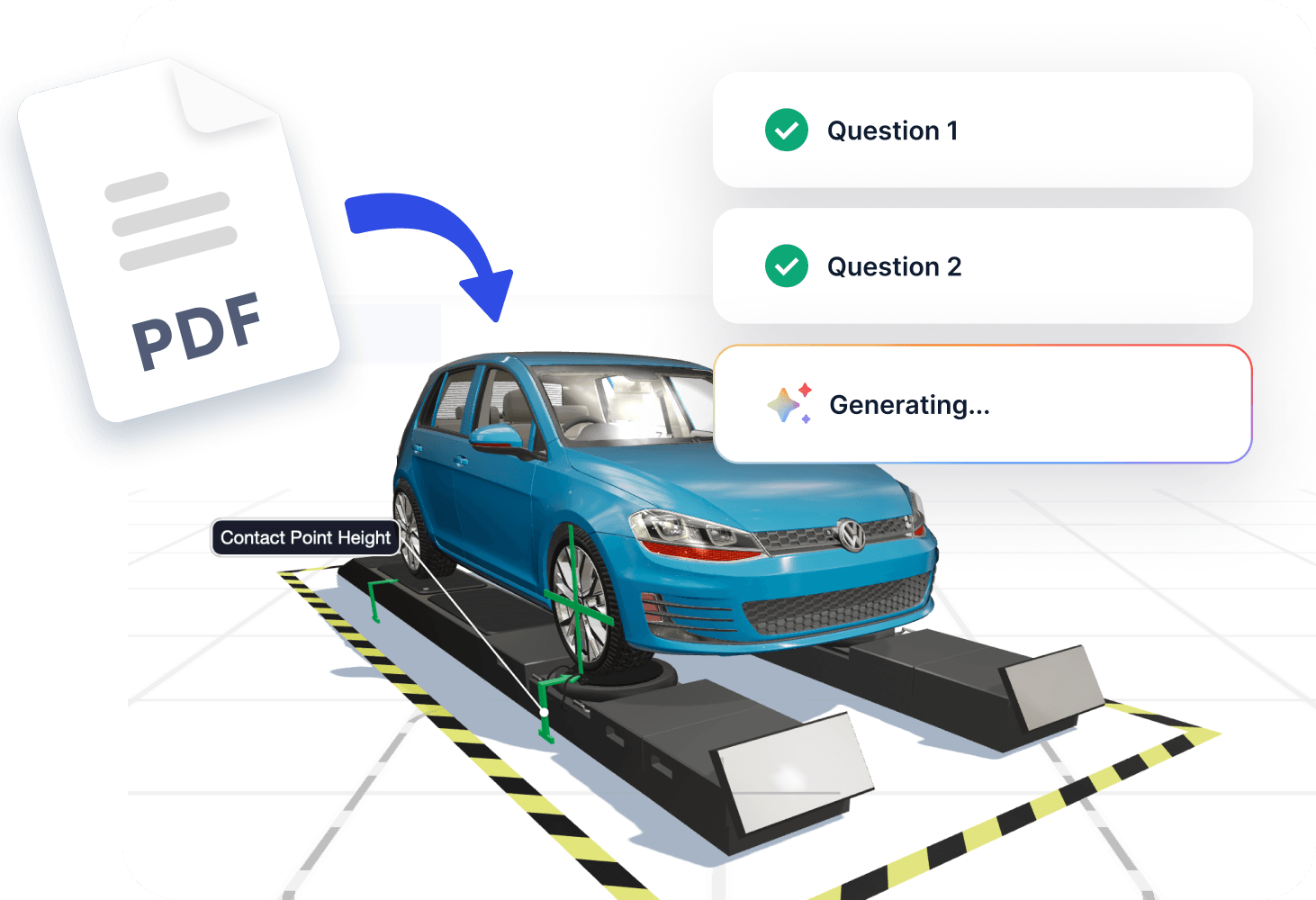
Point Jig Spark AI at a Jig you’ve already made, add a reference document if you have one, and it drafts a grounded, correctly-sequenced quiz. Every question is checked before it reaches you, and it always arrives as a draft. You just need to review and publish.
Training that has to be right
.jpg)
Field service & safety
Certify the procedure, not the slideshow. Have technicians identify issues, demonstrate actions, and fail safely.
.jpg)
Manufacturing onboarding
Get new hires hands-on faster. Walk the line in 3D, check understanding at each step, and see who's ready.

Medical & device training
Train operators of unreleased devices before they ship. Simulate setup, and standard operating procedures.
Frequently Asked Questions
Are these features available yet?


Which LMS does it work with?
Do I need to build a custom integration?
How are the questions created?
Does it work on Apple Vision Pro?
What gets reported back?
How is this different from Jig Spark AI?