This icon list section is only visible in Designer and Editor View. On live page you will not see this icon list.

icon-help-support.svg
icon-transition.svg
icon-btn-autoplay.svg
icon-reverse.svg
icon-btn-duplicate.svg
icon-btn-delete.svg
icon-btn-edit.svg
icon-btn-more.svg
icon-paint-roller.svg
icon-preview.svg
icon-sub-object-green.svg
icon-spark.svg
icon-alpha.svg
icon-replace.svg
icon-eye-hidden.svg
icon-eye.svg
icon-ai-sparkles.svg
Icon_Apple_VideoPlus.svg
Icon_Apple_PersonViewfinder.svg
icon-app-settings.svg
icon-info-sliders.svg
icon-object-property-panel.svg
icon-snap-vertex.svg
icon-object-hierarchy.svg
icon-snap-face.svg
icon-ellipsis.svg
icon-attachments.svg
icon-annotation.svg
icon-swatch-texture.svg
icon-swatch-texture-delete.svg
icon-library.svg
icon-check.svg
icon-team-black.svg
icon-explode.svg
icon-visible.svg
icon-view.svg
icon-video.svg
icon-unlocked.svg
icon-undo.svg
icon-sub-object-mode.svg
icon-stop.svg
icon-select-all.svg
icon-scale.svg
icon-save.svg
icon-rotate.svg
icon-remove.svg
icon-redo.svg
icon-record.svg
icon-previous-step.svg
icon-play.svg
icon-paste.svg
icon-ok.svg
icon-offline.svg
icon-object-mode.svg
Icon-next.svg
icon-next-step.svg
icon-multiselect.svg
icon-move.svg
icon-more.svg
icon-more-settings.svg
icon-mic-on.svg
icon-locked.svg
icon-lock.svg
icon-lasso-select.svg
icon-lasso-deselect.svg
icon-label.svg
icon-invisible.svg
icon-information.svg
icon-home.svg
icon-flatmode.png
icon-duplicate.svg
icon-dropper.svg
icon-delete.svg
icon-delete-audio.svg
icon-copy.svg
icon-colour.svg
icon-camera.png
icon-audio.svg
icon-ar.svg
icon-all.svg
icon-all-previous.svg
icon-all-after.svg
icon-add-user.svg
icon-add-steps.svg
icon-add-object.svg
icon-3d-icon.svg
3D object library overview

3D object library overview

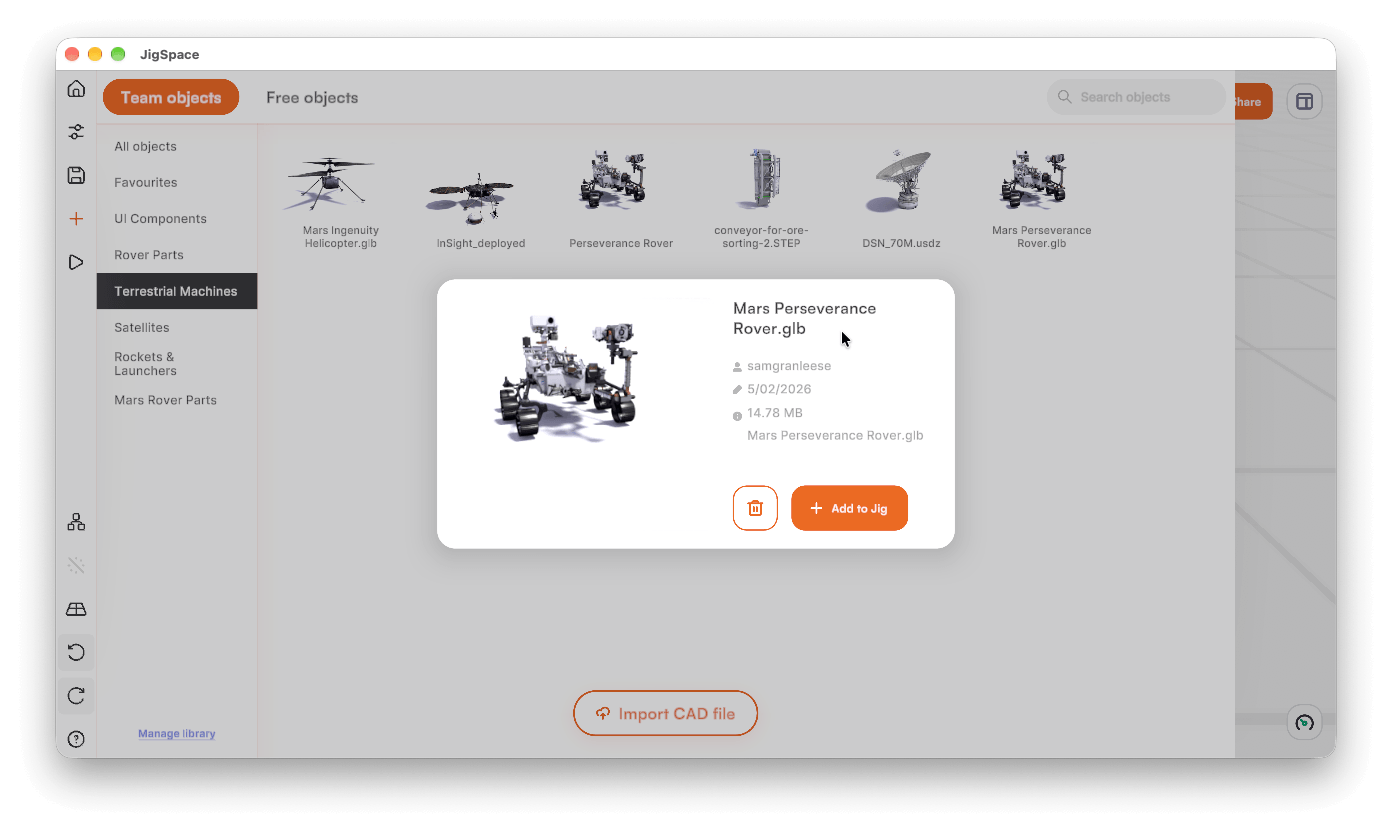
The 3D object library helps save time on uploading and formatting 3D models every time a Jig is created. Here you can:

  • Access hundreds of JigSpace preloaded free 3D models, shapes, and effects from the Free objects
  • Save your own raw CAD files or enriched 3D models in your Team objects library for you and your team to reuse across Jigs.

Team objects

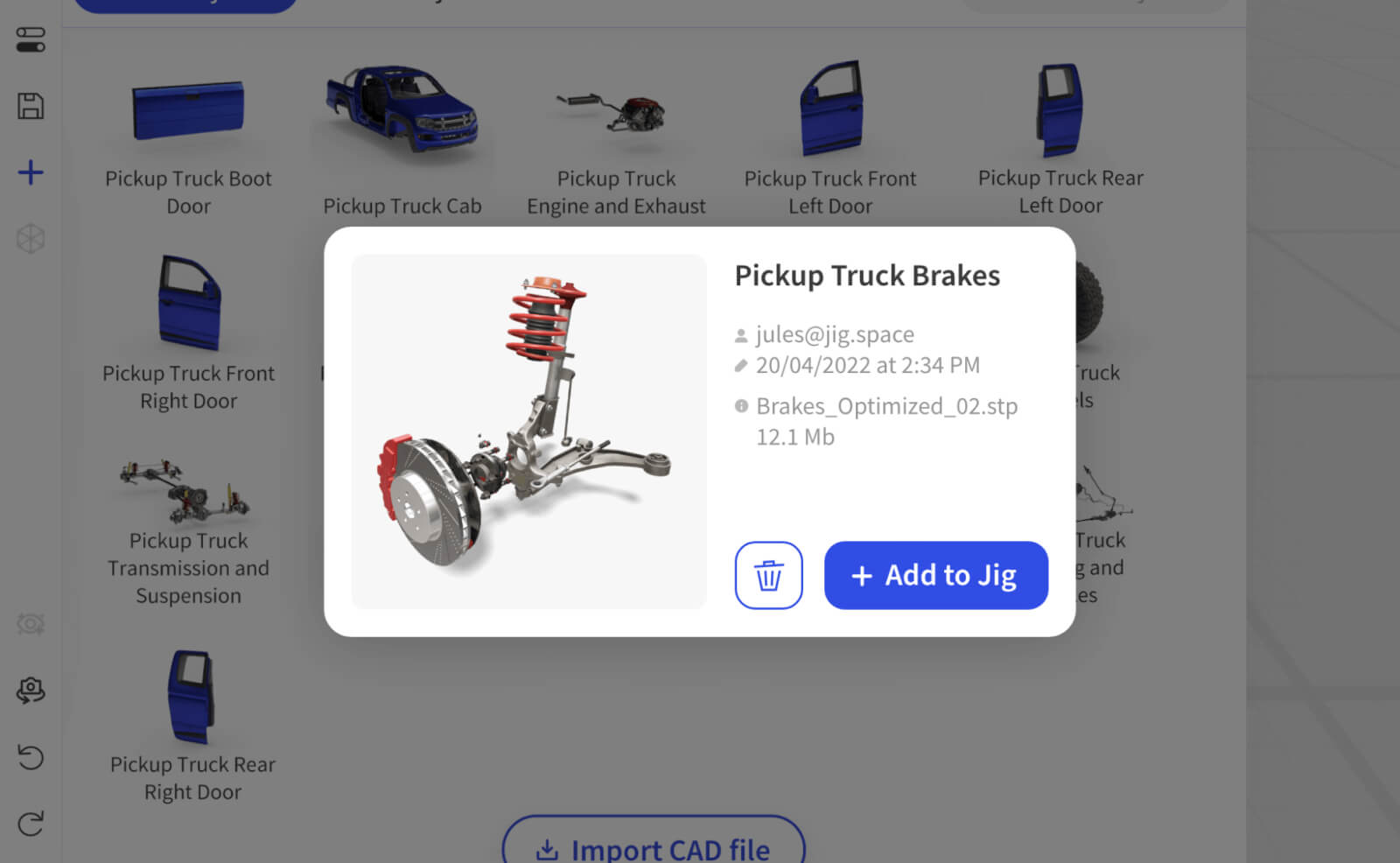
Library objects can be based on 3D CAD files you upload, or existing library objects that you modify.

CAD file objects can contain more than just 3D mesh information from your CAD, they can also include CAD file enrichment: color, motion, textures, labels, position, and scale.

Save 3D objects to this library straight from the workshop, preserving scale, colors, textures, labels, and effects.

See further help below.

Free 3D models and objects

All plans, free and paid, include access to the free 3D model library.

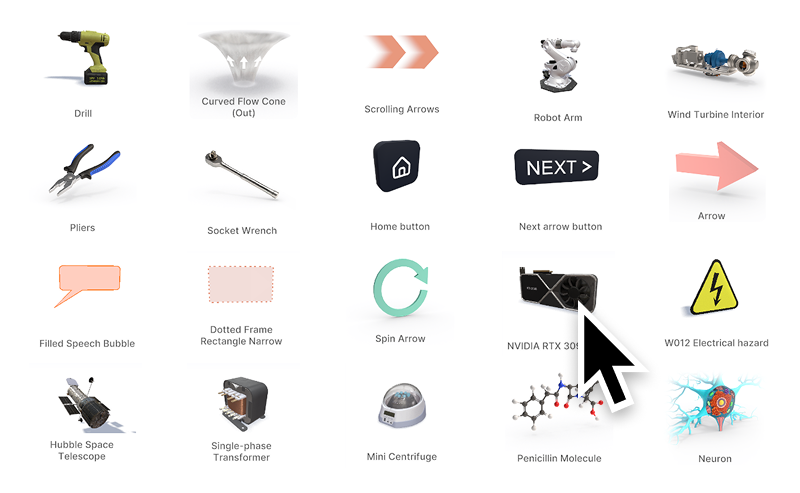
Browse and add free 3D models and objects from JigSpace, including effects, shapes, tools, and other useful 3D models to help you learn how to use JigSpace or further develop your own Jigs.

Learn more about the free 3D model library
‍

Random selection of 3D models from the free library in JigSpace

‍

Last updated:  
September 28, 2026