


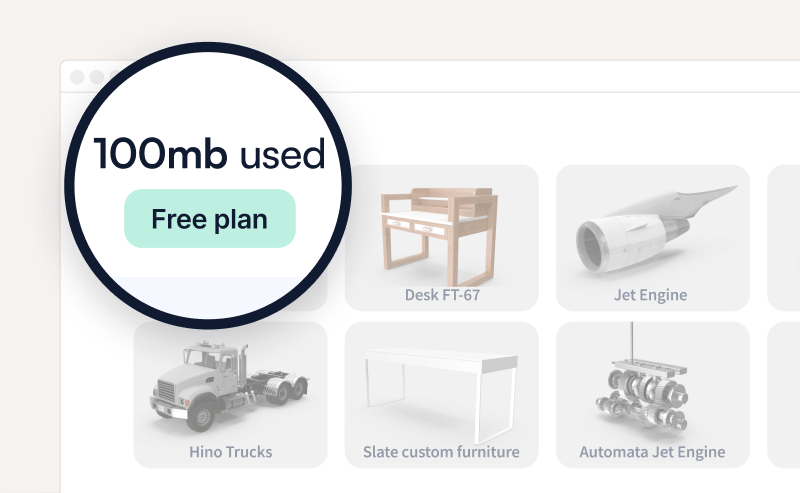
The JigSpace free plan lets you install the apps, import your own 3D model, and build and share a Jig at no cost.
The free plan is for evaluation and non-commercial use, so it caps how many Jigs, steps, users, and files you can have. Paid plans remove or raise these limits.
To understand what you can do on the free plan and what to do when you reach a limit, read on.
What the free plan includes
Storage counts every file you import: 3D models, images, textures, video, and recorded audio.
What happens when you reach a limit
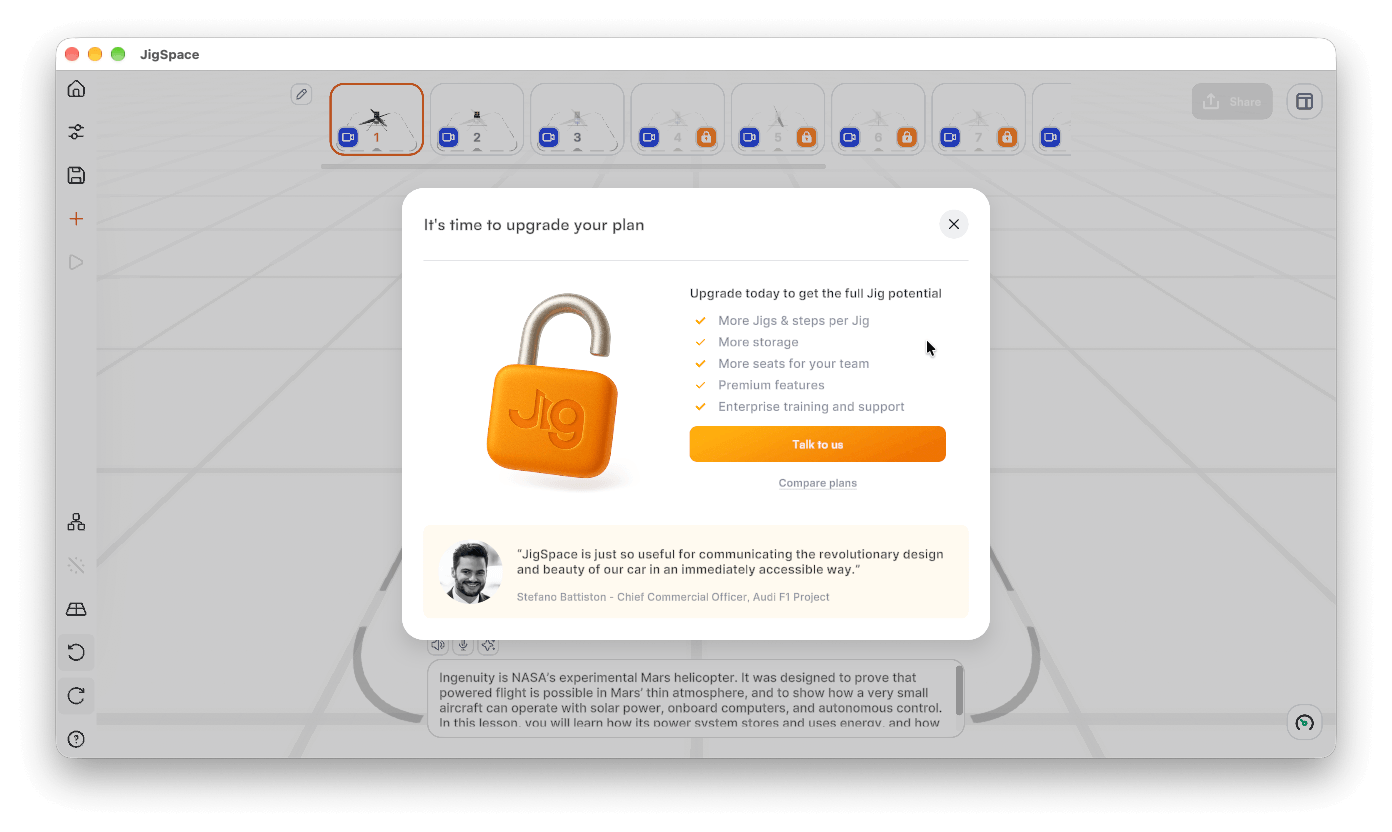
- Jig limit: the New Jig button asks you to upgrade. Delete an existing Jig from My Jigs to make room, or upgrade.
- Step limit: you cannot add a fourth step. Combine content into fewer steps, or upgrade.
- Storage limit: you can still view your Jig and edit steps, text, and formatting, but you cannot import new files. Delete files you no longer need.
- File size limit: the import stops with a size message. Reduce the model before importing. See Optimize your 3D models.
Why deleting a Jig may not free storage
Storage drops only when every copy of a file is gone. A model used in two Jigs, or in several steps of one Jig, still counts until it is removed from all of them. Files saved to your team object library count as well.
- Open My Jigs and delete Jigs you no longer need.
- In the app, create a new Jig, click +, open Library, and select Team objects.
- Delete any saved objects you no longer need.
- Check your storage again in the Dashboard.
Evaluate with more room
If you need more than one Jig or more than three steps to evaluate JigSpace:
- Go to Book a demo
- Talk to our sales team about your needs and use case
- Our team will share pricing, extended trial, or proof of concept options depending on your timeline and use case.
Schools, universities, and non-profits: contact us about education pricing.
Things to consider
- Limits apply to the whole team, not to each seat. Files uploaded by any team member count toward the same storage total.
- Deleting your account to reset storage is not a shortcut. Deletion is scheduled within 30 days of requests, and you will lose access your Jigs and 3D models. Delete files instead.
- The free plan is for non-commercial evaluation. To use Jigs at work, at events, or with customers, choose a paid plan. See how to buy JigSpace.