


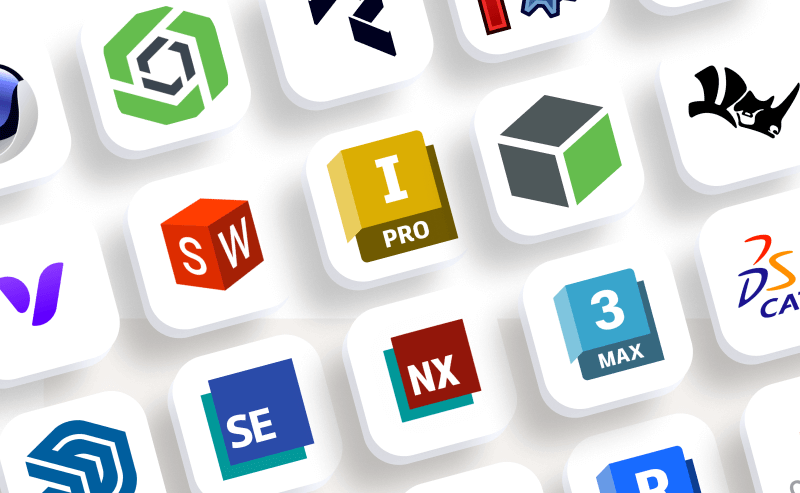
JigSpace supports importing 3D content from many common CAD file formats and 3D design programs. including STEP, OBJ, FBX, GLTF, USDZ and SolidWorks assemblies and part files. Zip folders and other files types will not import.
To provide a seamless experience, as a part of our import process, CAD files without any scale attributes will be resized to fit the presentation canvas, and any inverted Normal’s will be corrected.
Upload file sizes per file are limited to 300MB on paid plans and contribute to team storage limits.
3D object library
You can add 3D objects to your presentation from the free library of free 3D models, shapes, animation effects, and symbols in JigSpace. Or you can add 3D objects your import and modify into your own team object library.
See here for more information:
What data is imported from CAD files into JigSpace?
| CAD file | 3D mesh | Scale | Color & Materials | Textures | Pivots | Hierarchy |
|---|---|---|---|---|---|---|
| fbx |  |
|
|
|
|
|
| gltf | |
|
|
|
|
|
| obj | |
|
|
|||
| step | |
|
|
|
|
|
| stl | |
|||||
| sldasm; sldprt | |
|
|
|
|
|
| usdz | |
|
|
|
|
|
Learn more about importing CAD file properties:
- Color
- Textures
- Materials
- Pivot points
- Parenting and object hierarchies
- 1:1 true scale
- Sub-object names as labels